
IPTV Mobile Instructions
IPTV on Mobile or Tablet – Here we show you how to get started with IPTV on your mobile phone or tablet! To watch IPTV, you need to download an IPTV app. Below you will find some apps that work well with your smartphone. Click on any app to get step-by-step instructions. There are, of course, other apps that also work, but we recommend the ones listed below.
Here you can see which apps can be downloaded for iPhone, Android, or both devices. These apps generally work the same way on tablets with iOS or Android.
Get started
To get started, begin by searching for the apps below in the order they are listed. If you are unable to get started with the first app you try, move on to the next one until it works. With your login credentials, you can use any app you like, so you are not limited to a specific app.
Just remember to use only one app at a time!
IPTV apps for iPhone & Android
“If you have an iOS- or Android-based mobile phone, you can use any of these apps. These apps work on both platforms. You can find more apps for iOS- and Android-based phones further down.
IPTV Smarters
(Best on Android)
IPTV Smarters
(Best on Android)
GSE Smart IPTV
(Best on iPhone)
IPTV Streamer
(Best on Android)
Xtream IPTV
(iPhone & Android)
Recommended apps for iPhone
These apps work best on iPhone and are recommended in the following order.
Recommended apps for Android
These apps work best on Android phones and are recommended in the following order.
The following steps should be followed.
1. IPTV on mobile
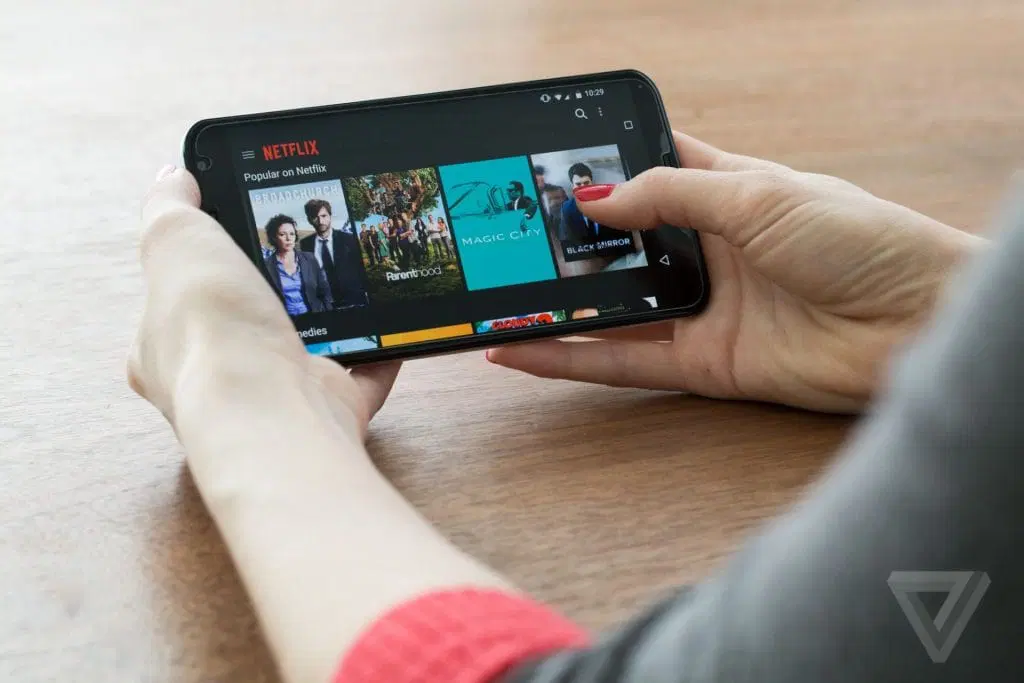
IPTV on mobile is one of the best ways to watch IPTV. With IPTV on your mobile, you have all your channels in your pocket as long as you have an internet connection. The apps can replace expensive streaming services, since you have everything available on your phone when you are on the go. Our channels naturally work worldwide. If you want to save money, you can cancel your streaming services, as you no longer need them when you have IPTV on your mobile.
2. IPTV on tablet
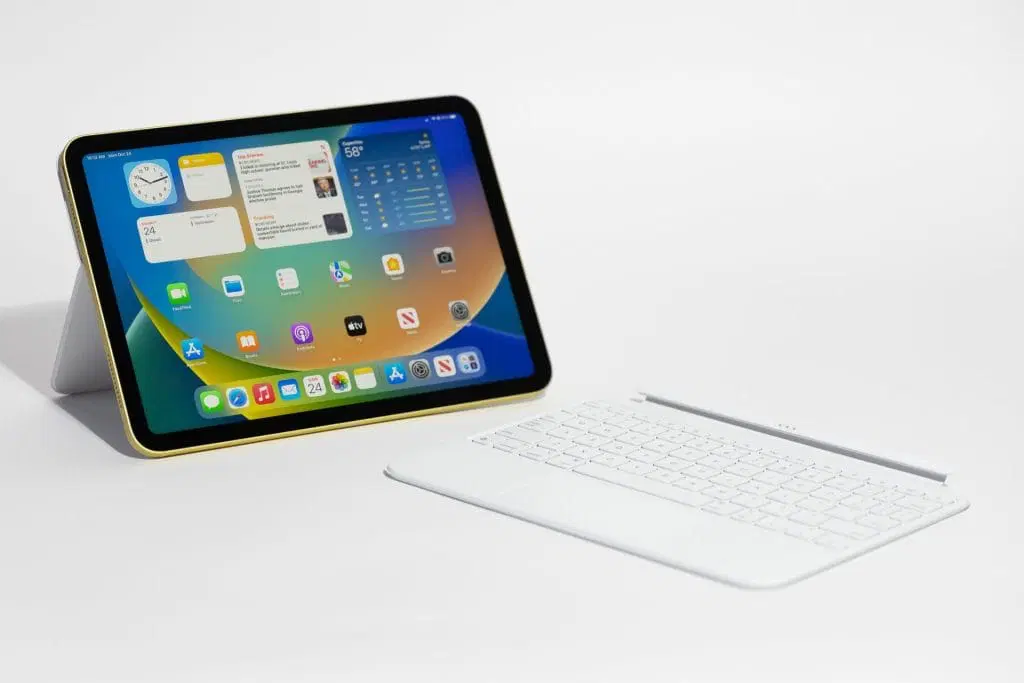
IPTV on Tablet – Start by completing the basic setup and accepting any terms and conditions on your new tablet or mobile phone if it is new. Sign in to or create a Google account or iCloud account depending on whether your device uses iOS or Android. Keep the packaging, as the warranty may be tied to it.
Connect your new device to your network (you can also use mobile data if available, but be aware that data usage may be limited). Using an Ethernet cable is recommended if possible, but Wi-Fi also works well if the router is not too far away and has good coverage. When traveling, 4G and 5G work excellently.
If large objects such as refrigerators, wardrobes, or doors block the signal, your device may sometimes experience a weaker connection.
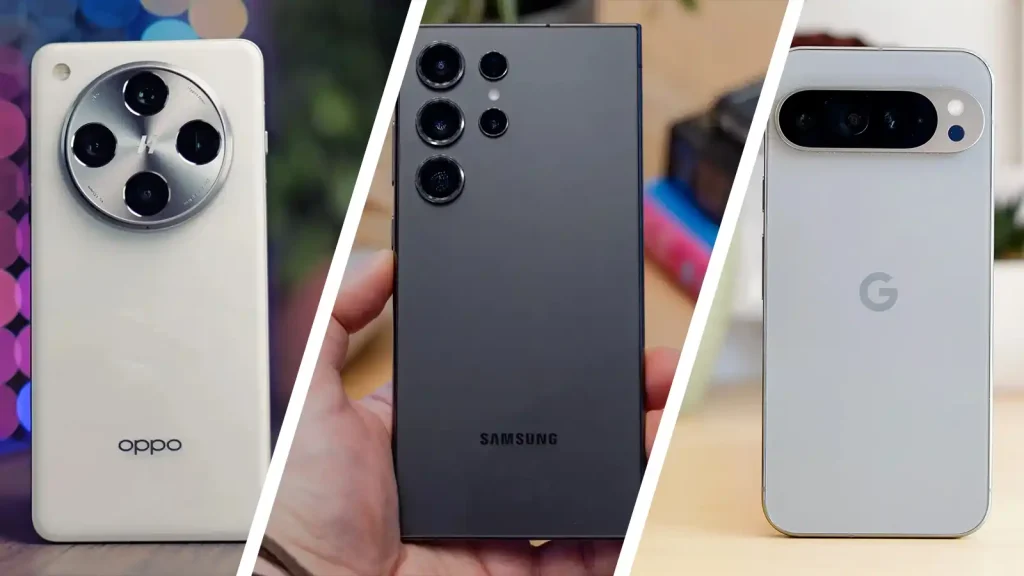
We recommend the following smartphones for IPTV, although most modern smartphones work well:
iPhone (X – 15 Pro)
Samsung (newer Galaxy models)
Samsung (Z Fold or Flip)
Keep in mind that even though these models are recommended, the best way to watch IPTV for an optimal experience is through a box connected to your TV.
3. IPTV on iPhone
IPTV on iPhone – We recommend purchasing a new iPhone model from a well-known retailer such as Elgiganten, Power, or Webhallen. Of course, you can use the iPhone you already have. We advise against buying a used mobile phone or tablet, as you can never be certain how the device has been treated previously. A used device may have worn components such as the storage, processor, or RAM, which can negatively affect performance. If you plan to use your device for IPTV while traveling or away from home, a new iPhone is an excellent option.
Keep in mind that if you want to replace a box or TV with your mobile device, it is instead recommended to use an Apple TV or a Formuler Box for the best results.
Whether you buy a new iPhone or use your current one, it can be a good idea to remove unnecessary apps. This frees up storage space and reduces the load on RAM, as many apps may run in the background.
4. IPTV on Android
IPTV on Android mobile or tablet – We recommend purchasing a new Android device from a well-known retailer such as Elgiganten, Power, or Webhallen. Of course, you can use the device you already have, but we advise against buying a used mobile phone or tablet, as it is difficult to know how it has been used previously. A used device may have wear on important components such as storage, processor, or RAM, which can negatively affect performance. If you plan to use your device for IPTV while traveling or away from home, this is an excellent choice.
However, if you want to replace a box or TV with your mobile device, it is instead recommended to use an Apple TV or a Formuler Box for the best experience.
Whether you use your current Android device or buy a new one, it can be a good idea to remove unnecessary apps that are not used. This frees up storage space and reduces the load on RAM, as many apps may run in the background.
5. Download an IPTV mobile app
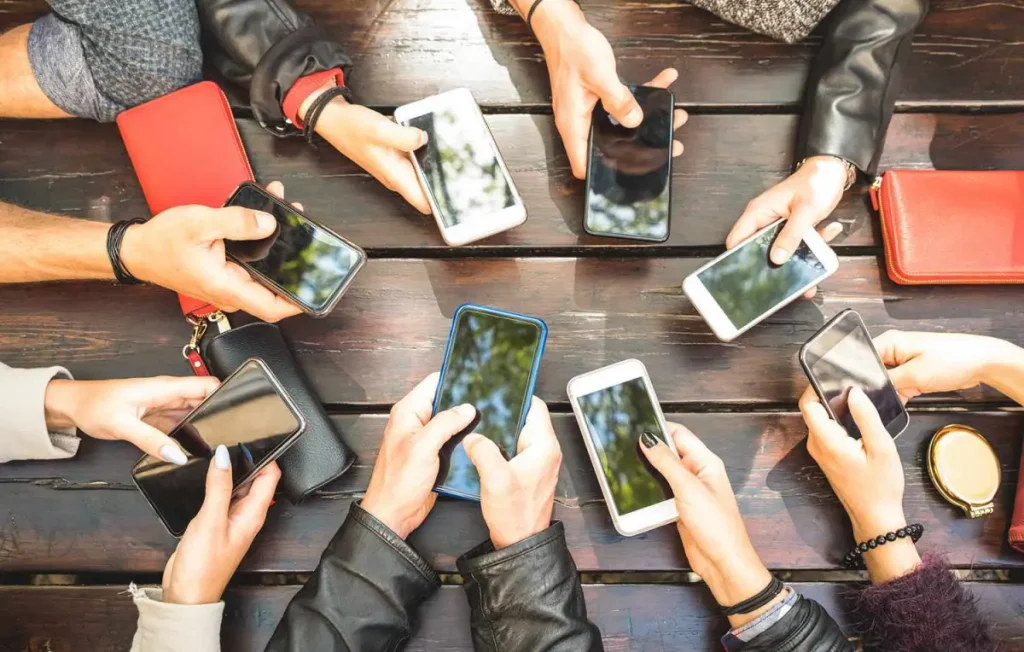
Det finns många olika IPTV-appar för mobiltelefoner och surfplattor. Nedan listar vi några av de bästa, som fungerar utmärkt på både Apple (iOS) och Android-enheter. Ladda helst ner apparna från Play Butiken eller App Store.
- IPTV Smarters (iOS & Android)
- IPTV Streamer (iOS & Android)
- Extreme IPTV Pro (Android)
- GSE Smart IPTV Pro (iOS & Android)
- Perfect IPTV (iOS)
- IPTVX (iOS)
6. Summary
Sammanfattningsvis rekommenderar vi att du köper en ny mobil eller surfplatta om du inte redan har en. Genomför grundinställningarna och koppla upp enheten till internet (Wi-Fi eller mobil surf). Ladda ner en IPTV-app och begär ett gratis test eller köp ett 1-12 månaders paket från oss.
Njut av kanaler, filmer, serier, dokumentärer och alla PPV-event!
Guider för rekommenderade appar:
- IPTV Smarters (iOS & Android)
- IPTV Streamer (iOS & Android)
- Extreme IPTV Pro (Android)
- GSE Smart IPTV Pro (iOS & Android)
- Perfect IPTV (iOS)
- IPTVX (iOS)

