
IPTV Pro Instructions for Your Specific Device.
Instructions for IPTV PRO
The IPTV Pro app can be downloaded on most devices today. It is easy and smooth to get started with and is especially recommended for users who are already familiar with the app. Just like IPTV Smarters, it is a good app to begin with before moving on to a more advanced and stable solution, such as TiviMate, which also offers a better interface for beginners.
This app works on the following devices:
- Smart TV
- Nvidia Shield
- Xiaomi Mi Box
- Xiaomi Mi Stick
- Firestick
- Android Box
- Mobile (Android)
- Tablet (Android)
The app can be downloaded from the playstore.
IPTV PRO is unfortunately not available for iOS/Apple devices. You can upload your playlist in the following way:
M3U link
The app does not appear to have the option to upload playlists via Xtream Codes (username & password). If this option has been added in a later update, it is of course recommended over using an M3U link.
IPTV Pro
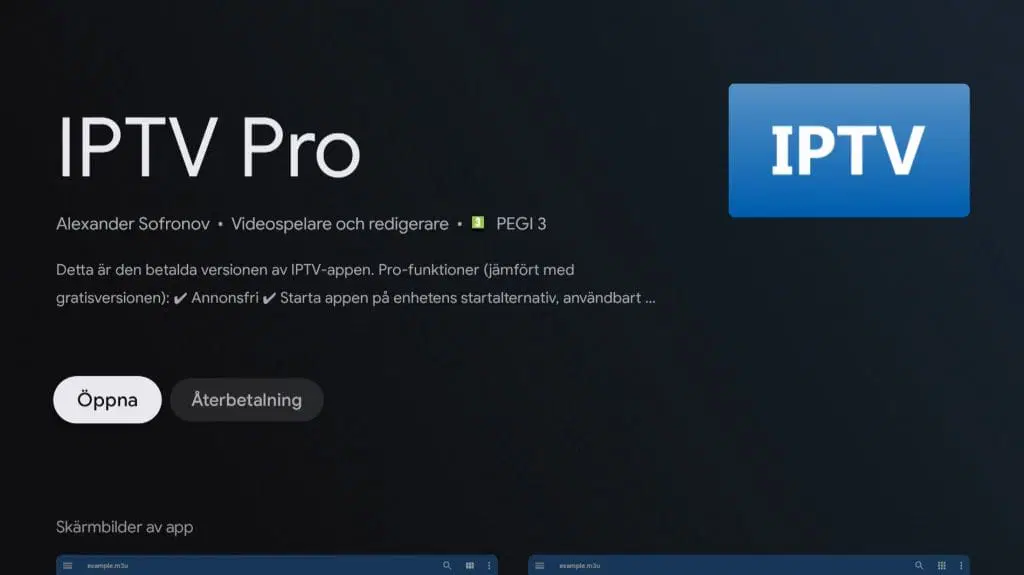
IPTV Pro is a slightly simpler app that is good to start with. With this app, you can easily upload the M3U link you receive from us when requesting a free trial or making a purchase to quickly get started with watching TV. The app is not the best, but it can be recommended for getting started quickly and gaining a first impression.
Step 1
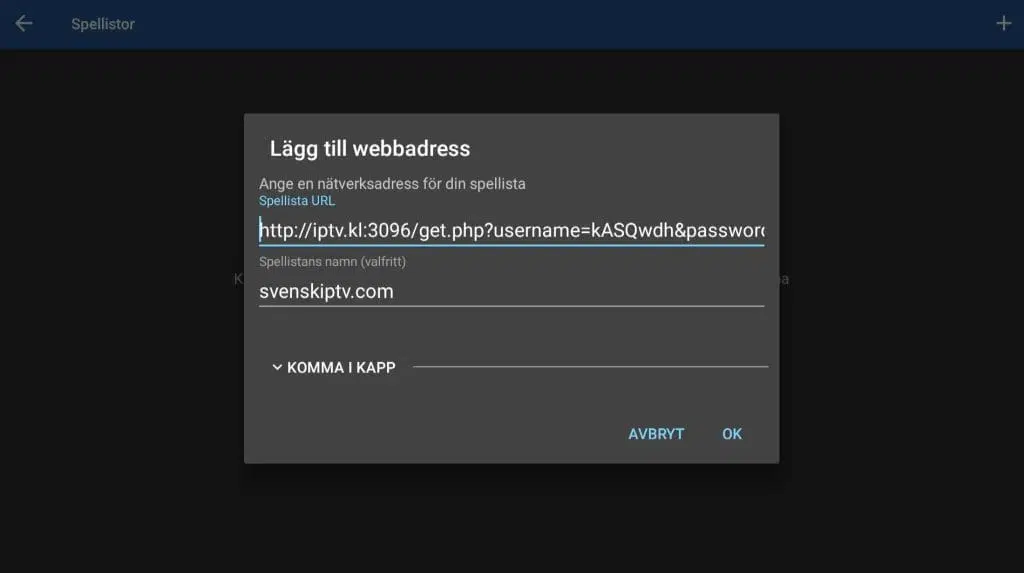
Launch the app and tap the plus sign in the corner. Then copy your M3U link that you received from us via email. Paste it into the ‘Playlist URL’ field. In the ‘Playlist name’ field, enter ‘svenskiptv.com
Step 2
Done!
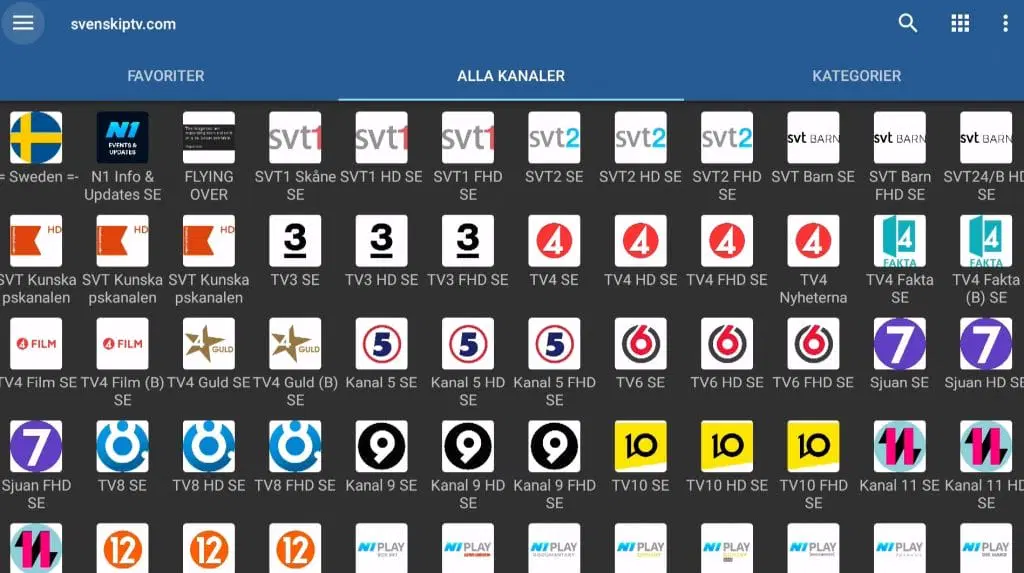
You are now ready to start streaming!
Enjoy your IPTV content
Where can I download the app?
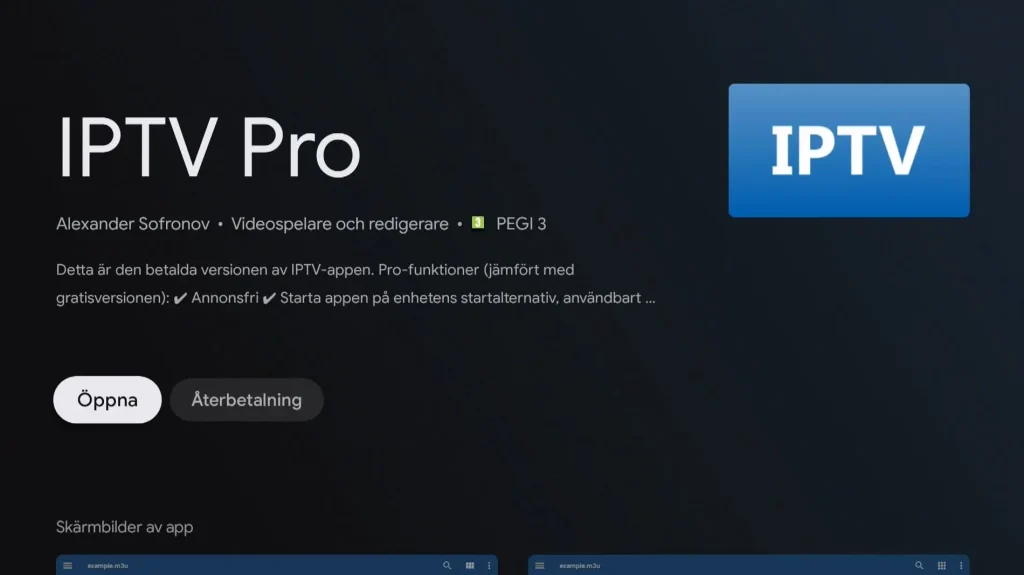
The app can be downloaded from the Play Store to your device.
Only download the app from well-known sources, such as the Play Store, to avoid viruses and malware.
Download IPTV Pro to the following devices by clicking the text below:
Which devices can I use?
Smart TV
IPTV PRO with a Smart TV is a good option for beginners or when other alternatives are not available. The app runs smoothly on TV sets and is designed to be compatible with all devices. It is available on most LG, Sony, Samsung, and Philips TVs with Android-based systems. Even though the app works well on your device, it is recommended to use a more advanced app such as TiviMate for a better experience.
Specifications
- App: IPTV Pro
- Installation time: Approx. 3 minutes
- Wi-Fi/Ethernet: Supports both
- Cost: 29 SEK
- Offers free trial: Yes
Mobile
IPTV PRO on mobile (Android) is a fast and smooth solution for getting started with IPTV quickly. The app is easy to use and provides a good experience for watching TV while on the go. For iPhone, the IPTVX app is recommended instead, while for Android-based phones, the IPTV Player app is a better alternative.
Tablet
IPTV PRO on a tablet (Android) is a fast and smooth solution for quickly getting started with IPTV on your Android-based tablet. The app is easy to use and perfect for watching TV while on the go. If you have an iOS device (iPad), the IPTVX app is recommended instead, while for Android-based tablets, the IPTV Player app is recommended
IPTV Pro instructions
Step 1
Start the app and tap the plus sign in the top corner. Then copy your M3U link that you received from us by email and paste it into the field “Playlist URL.” In the field “Playlist name,” enter “svenskiptv.com.
Step 2
Done!
You are now ready to start watching IPTV channels through your app.
If you have any problems or questions, don’t hesitate to contact us.
Enjoy your IPTV content!
Nvidia Shield
IPTV Pro with Nvidia Shield is a fast and smooth solution that is easy to get started with. Although the app works well with your device, it is recommended to use a better app, such as Nanomid, for an even better experience.
Android Box
IPTV Pro with an Android Box works well for beginners, but for a better experience it is recommended to use a more stable app such as Tivimate. Tivimate offers a better interface and more stable servers for a smoother IPTV experience.
Xiaomi Mi
IPTV Pro with Xiaomi Mi S Box or Xiaomi Mi Stick works, but these devices are not the best for watching IPTV compared to, for example, Apple TV. This is because the processor in both devices is not as powerful. If you want to use Xiaomi Mi devices, that is fine and the experience can still be good, but for a more stable, smooth, and long-term solution, other options are recommended.
Formuler Box
IPTV Pro with a Formuler Box works quite well, but the Formuler Box is a more specialized Android box for IPTV and comes with its own IPTV app, MyTVOnline. The MyTVOnline apps offer a better experience than the Pro app, and therefore it is recommended to use them instead for a better and more stable IPTV experience.


