Xtream IPTV Instructions for Your Specific Device
Instructions for Xtream IPTV
Xtream IPTV is a new and user-friendly app that works well for watching IPTV. The app is easy to get started with and allows you to upload your channels in the following ways:
- M3U link
- Xtream Codes API (Username & Password)
We recommend using Xtream Codes API to upload your IPTV playlist (that is, using the username, password, and Portal URL you receive from us when purchasing or requesting a free trial). By using Xtream Codes API, your EPG (Electronic Program Guide) is automatically installed in the background. If you choose an M3U link, you must manually add your EPG link, which is not necessary when using Xtream IPTV.
There is a Pro version of the app available for both iOS and Android. Unfortunately, this app is relatively expensive compared to other alternatives. On iOS devices (Apple), the app costs 299 SEK per year, and on Android devices it costs 265 SEK per year. Therefore, we consider it to be somewhat expensive compared to other apps.
Step 1
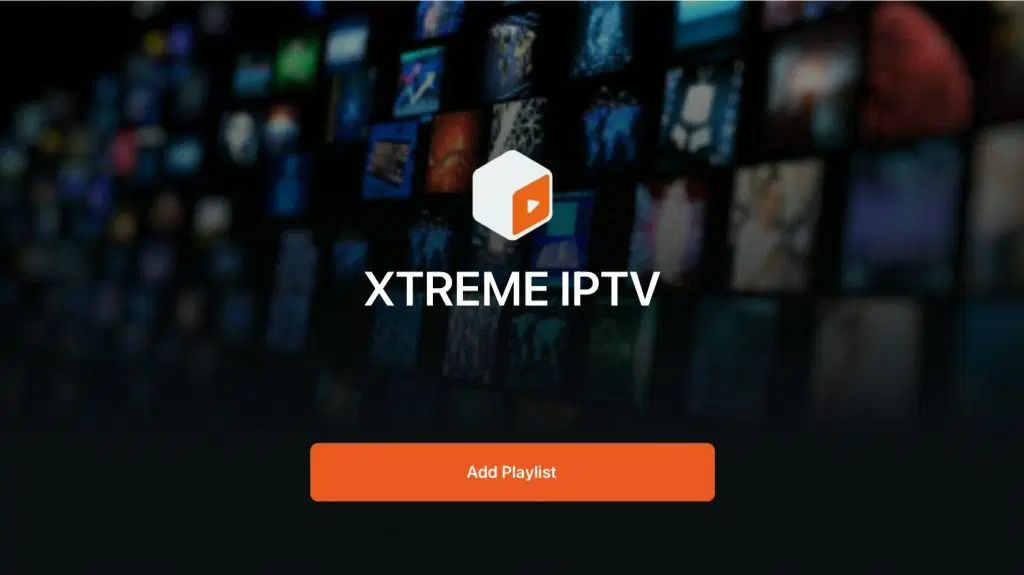
Launch the app and tap “Add playlist”.
Step 2
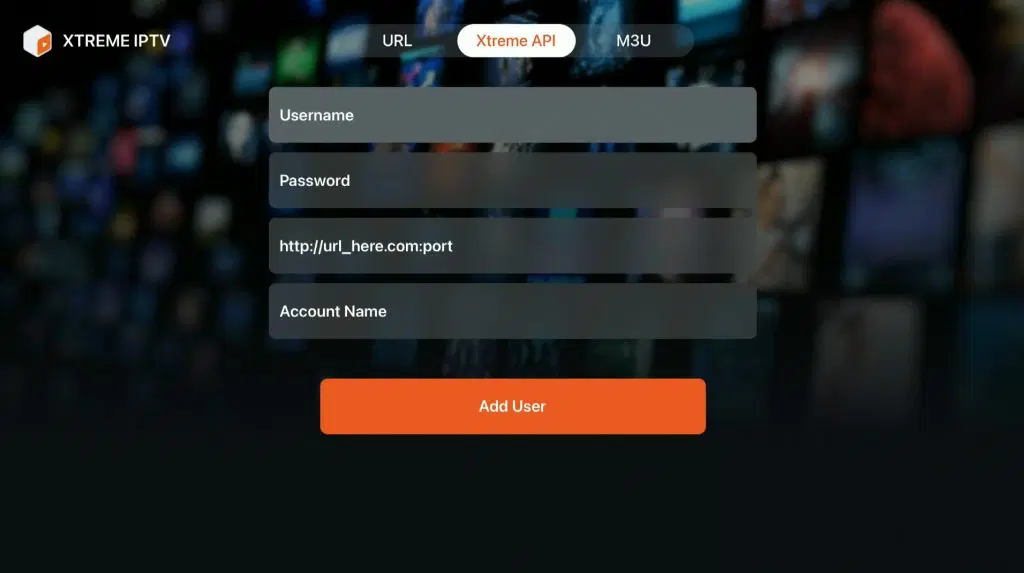
Here you enter the details you received from us via email after requesting a free trial or purchasing our service. In the “Account Name” field, enter “svenskiptv.com”. The details for the other fields can be found in the email you received after placing your order.
Step 3
Done! Please note that it is currently not possible to edit the playlist or update/change EPG settings in this app on Apple TV.
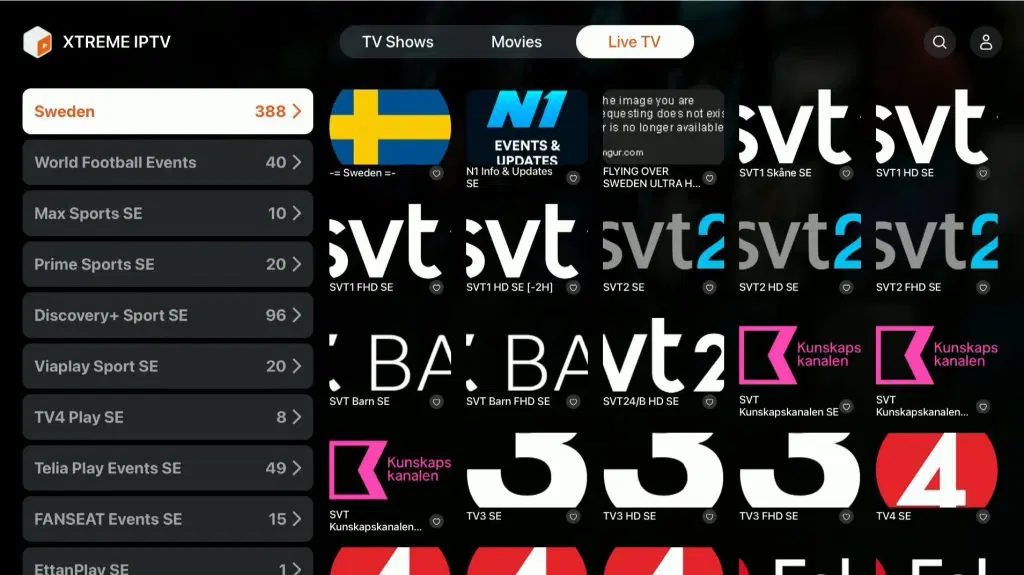
Where can I download the Xtream IPTV app?
The app can be downloaded from the Play Store and the App Store to your device.
Only download the app from a trusted source, such as the App Store or the Play Store.
Download Xtream IPTV for the following devices by clicking the link below:
Xtream IPTV Instructions – Which Devices?
Apple TV
Xtream IPTV with Apple TV is a fairly good solution, as the interface looks nice. However, since it is not possible to edit the playlist or change other settings, we do not consider it to be the best app for Apple TV, even though it works relatively well. The developers of Xtream IPTV need to add more features for the app to be worth its cost of 299 SEK per year. In our opinion, IPTVX on Apple TV is a better and more cost-effective solution.
Smart TV
Xtream IPTV with Smart TV is a good solution for beginners. The app is user-friendly and optimized to work well on televisions, Android TV, Android boxes, and mobile devices. It is available on most LG, Sony, Samsung, and Philips TVs with Android-based systems. Although the app works well on your device, it is recommended to use a more advanced app, such as Tivimate, for a better experience.
Specifications for Xtream IPTV
- App: Xtream IPTV
- Installation time: Approximately 5 minutes
- Wi-Fi / Ethernet: Supports both
- Cost: 299 SEK
- Free trial available: Yes
Xtream IPTV – Instructions
Step 1
Launch the app and tap “Add Playlist”.
Follow the instructions to add your playlist.
You can now start streaming IPTV channels.
Step 2
Enter the details you received via email after requesting a free trial or purchasing our service.
In the “Account Name” field, enter “svenskiptv.com”.
The remaining details are also provided in the email you received after your order.
Step 3
Done!
Please note that on Apple TV you currently cannot edit the playlist or change the EPG settings.
This may affect your experience if you want to make adjustments to your playlist or program guide.
Mobile
Xtream IPTV on mobile is a fast and convenient solution to get started right away. The app is easy to use and perfect for watching TV while on the go. However, if you have an Apple TV, the IPTVX app is recommended instead for a better experience.
Tablet
Xtream IPTV on a tablet is a fast and convenient solution for getting started quickly on both iPad and Android-based tablets. The app is easy to use and perfect for watching TV while on the go. It works well on iPad (iOS), but the IPTVX app is recommended instead for a better experience.
Xtream IPTV – Instructions
Step 1
Launch the app and tap “Add Playlist”.
Enter the details you received via email.
Tap “Add” to add your playlist.
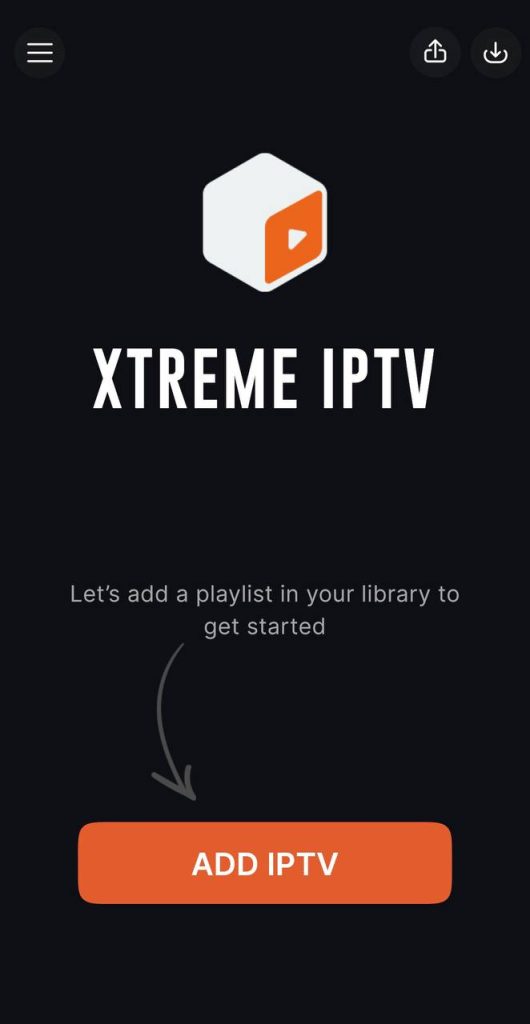
Step 2
Select “Xtream Codes API”.
Enter the details you received via email.
Tap “Add” to save the settings.

Step 3
Enter the details you received via email.
In the “Account Name” field, enter “svenskiptv.com”.
The other details are provided after your order or free trial.

Step 4
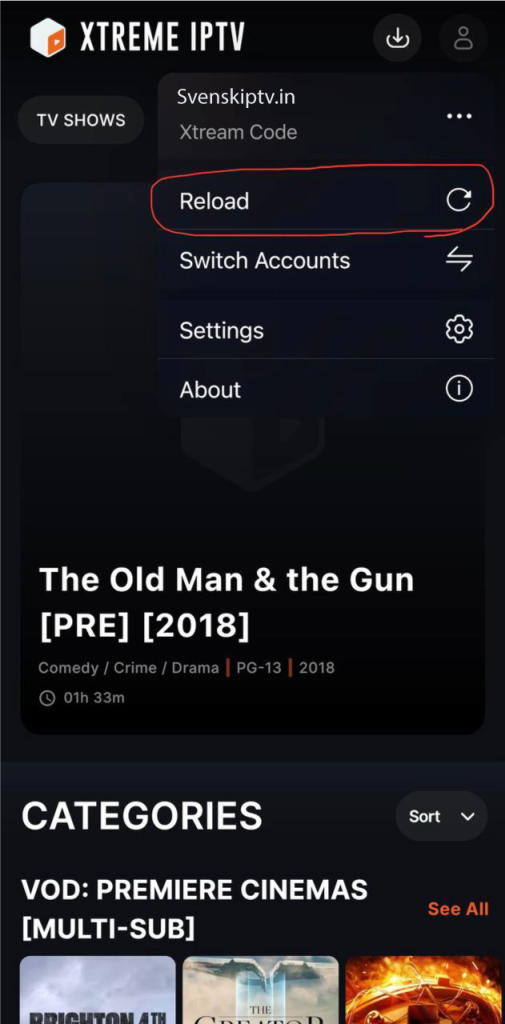
Before watching an event, reload the playlist.
Tap the profile icon in the top right corner and select “Reload”.
This ensures the playlist is up to date for the best experience.