
Below you will find instructions for using our IPTV service on Smart TV
For smart TVs like Samsung, Roku, Sony, Philips, Windows and LG we strongly recommend installing the IBO Player. Very easy to install, and configuration is made by our support team. Does not take longer than 3 minutes if you follow instructions (below). Rest of the below applications also work perfectly, but IBO Player is the top one
Recommended apps to start with
We recommend that you start with one of the apps below, as they are the easiest to get started with if you are using a free trial or are a beginner. The playlist is easily activated in these apps.
The “relatively simple apps” are also suitable for beginners, but with these you need to visit the app’s website and upload your playlist by copying and pasting the M3U link that you receive from us when you request a trial or make a purchase.
Rest of the below applications also work perfectly, but IBO Player is the top one
IBO Player
More IPTV apps for Smart TV
The following steps should be followed
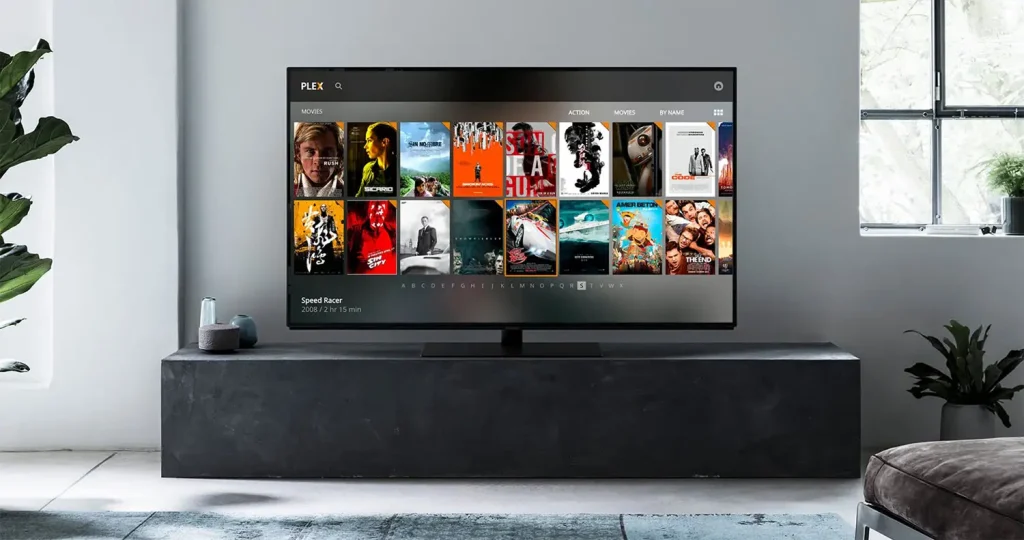
1. Buy a Smart TV
Buy a Smart TV from one of the major retailers such as Elgiganten, Power, or Webhallen. We do not recommend buying a used Smart TV, as you never know how it has been used previously. A used device may have been subject to wear and tear, which can affect important components such as the hard drive, processor, or RAM. In addition, a Smart TV is not really designed to handle large IPTV playlists with hundreds of thousands of titles. Therefore, we recommend using an Apple TV or a Formuler Box instead.
Regardless of whether you already have a Smart TV or buy a new one, it is a good idea to remove unnecessary apps that are not used, as they take up valuable storage space on the TV.
2. Complete the initial setup
Complete the initial setup and accept any terms on your new Smart TV if it is new. Sign in or create an account for LG, Samsung, Philips, or the relevant TV brand, and install the necessary apps. Save the packaging, as your warranty may be linked to it.
Next, connect your new device to your network. We always recommend using an Ethernet cable (network cable), but Wi-Fi also works well, provided your router is not too far away and offers good coverage throughout your home.
If large objects such as refrigerators, wardrobes, doors, or similar block the signal, your Smart TV may lose or experience a degraded connection. To avoid this, we recommend using a network cable between the device and the router.
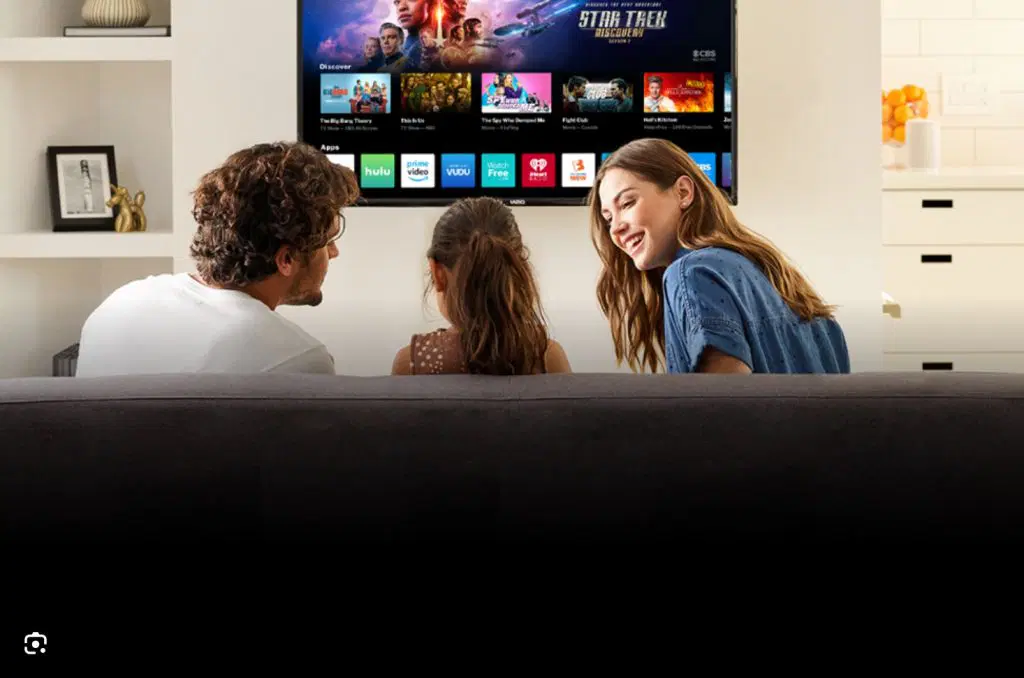
3. Download an IPTV app
Today, there are many different IPTV apps available for Smart TVs. Below we list some of the apps we recommend. These apps work отлично on Samsung, LG, Philips, Sony, TCL, and many other TV brands. We recommend downloading the apps from the Play Store.
- IPTV Smarters
- Tivimate
- SET IPTV
- NET IPTV
- IPTV Streamer
- Duplex Play
- Extreme IPTV Pro
- Smart STB
- GSE Smart IPTV Pro
- SS IPTV
Read more about the best IPTV app here.
4. Test / Purchase our service
Now it’s time to request a free trial from us by clicking the button below. We always recommend purchasing 3 months after your free trial so you really have time to test the service properly, as our selection is enormous. We offer virtually all sports, all movies, series, and documentaries you can imagine. Of course, our entire catalog is also included when you test our service free of charge. Read more about
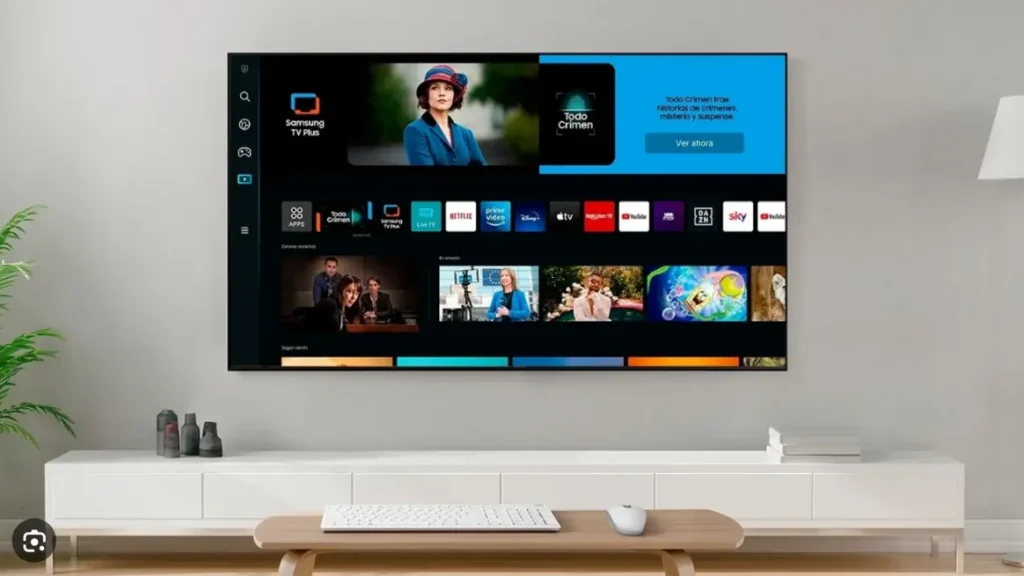
5. Enjoy IPTV!
In summary, we recommend that you purchase a new Smart TV to watch IPTV. Start by completing the initial setup and connecting your Smart TV to the internet (preferably via an Ethernet cable). Then download an IPTV app and request a free trial or purchase a 1–12 month package from us.
Enjoy channels, movies, series, documentaries, and all PPV events!
Guides for recommended apps:
- IPTV Smarters
- Tivimate
- SET IPTV
- NET IPTV
- IPTV Streamer
- Duplex Play
- Extreme IPTV Pro
- Smart STB
- GSE Smart IPTV Pro
- SS IPTV
