
Installation of IPTV / APP
For IPTV installation, carefully follow the instructions in your manual. If you encounter any problems during the IPTV installation, feel free to contact us for help or questions. Our customer service is always available.
Note: Preferably use the apps and boxes mentioned in the manual. If you want to use another app or box that you know works with IPTV, that is okay. However, we cannot guarantee that everything will work as it should.
Guides for IPTV Installation
How does IPTV actually work?
IPTV works by fetching content from TV channels, movies, and other media, which is first converted into digital signals and then encoded for delivery over the internet. Users access this content through an IP network, where channels and programs are delivered on demand rather than being broadcast to everyone at the same time. This is all designed to simplify your viewing experience and give you full control.
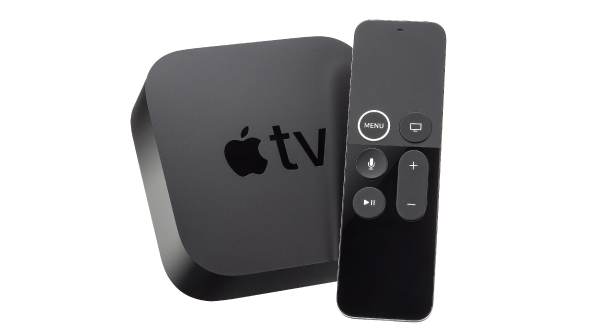
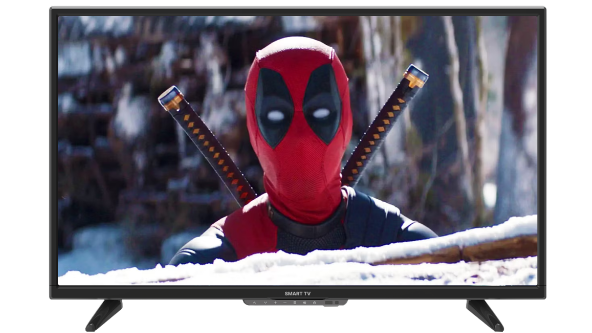
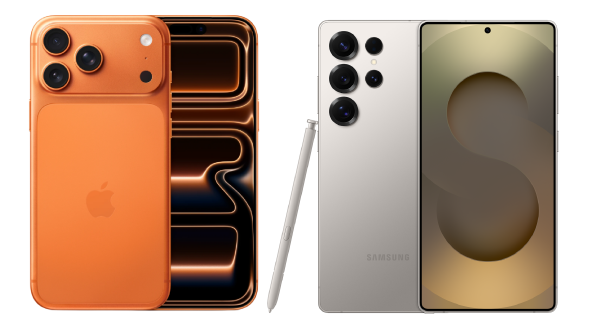
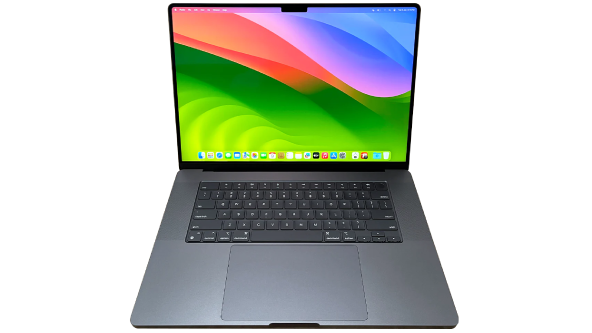
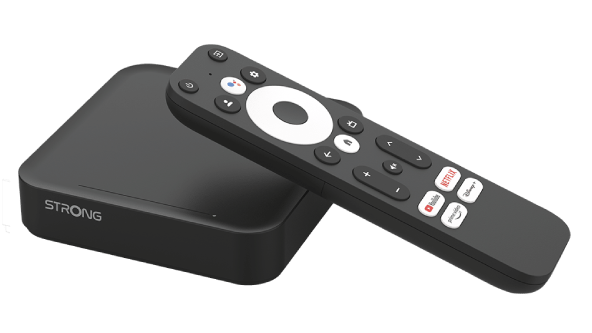
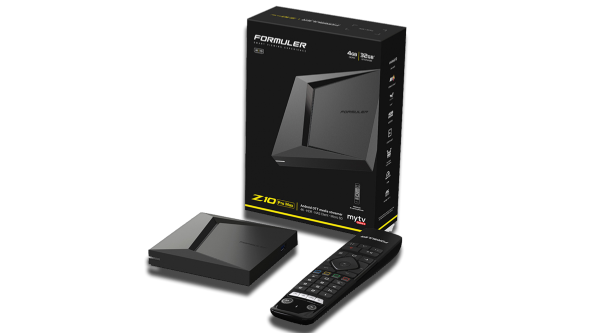
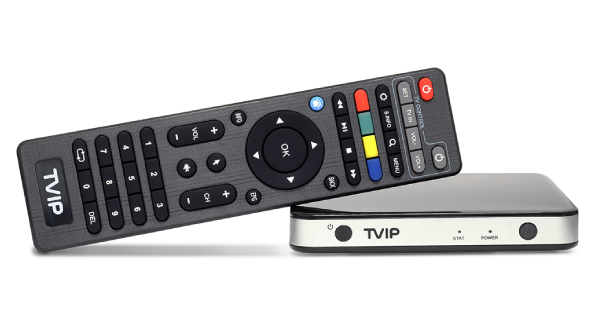
To receive IPTV content, you use a set-top box, a smart TV, or an app on your mobile, tablet, or computer. These devices decode the signals and display the content on your screen. IPTV offers both live TV, where you can watch programs like sports and news in real time, as well as video-on-demand with movies and series. Additionally, you can often pause, rewind, or record programs – perfect for a flexible viewing experience.
Technically, IPTV uses advanced protocols like HTTP Live Streaming (HLS) and MPEG-DASH to optimize delivery based on your internet connection. Video quality adjusts according to bandwidth, ensuring a seamless experience even with varying speeds. IPTV combines flexibility and quality, allowing you to choose what, when, and where you want to watch.


